How to Convert MKV to MP4 on Windows & Mac
Updated August 31, 2026
MKV is a favorite of screen recorders, OBS, and video archives because it can hold practically anything. The downside shows up when you try to play one on a TV, a phone, or an iPad, or drop it into an editor that shrugs at it. MP4 plays everywhere, so MKV to MP4 is one of the most common video conversions there is.
This guide uses ConvertSave on Windows and Mac. Conversions run locally, which for multi-gigabyte MKV files is also just faster than any upload-based converter could ever be.
How to convert MKV to MP4
- 1
Drag your files into ConvertSave
Open ConvertSave and drag your MKV files into the window. You can drop one file or a whole selection at once. There is no upload step, because the files never leave your computer.
- 2
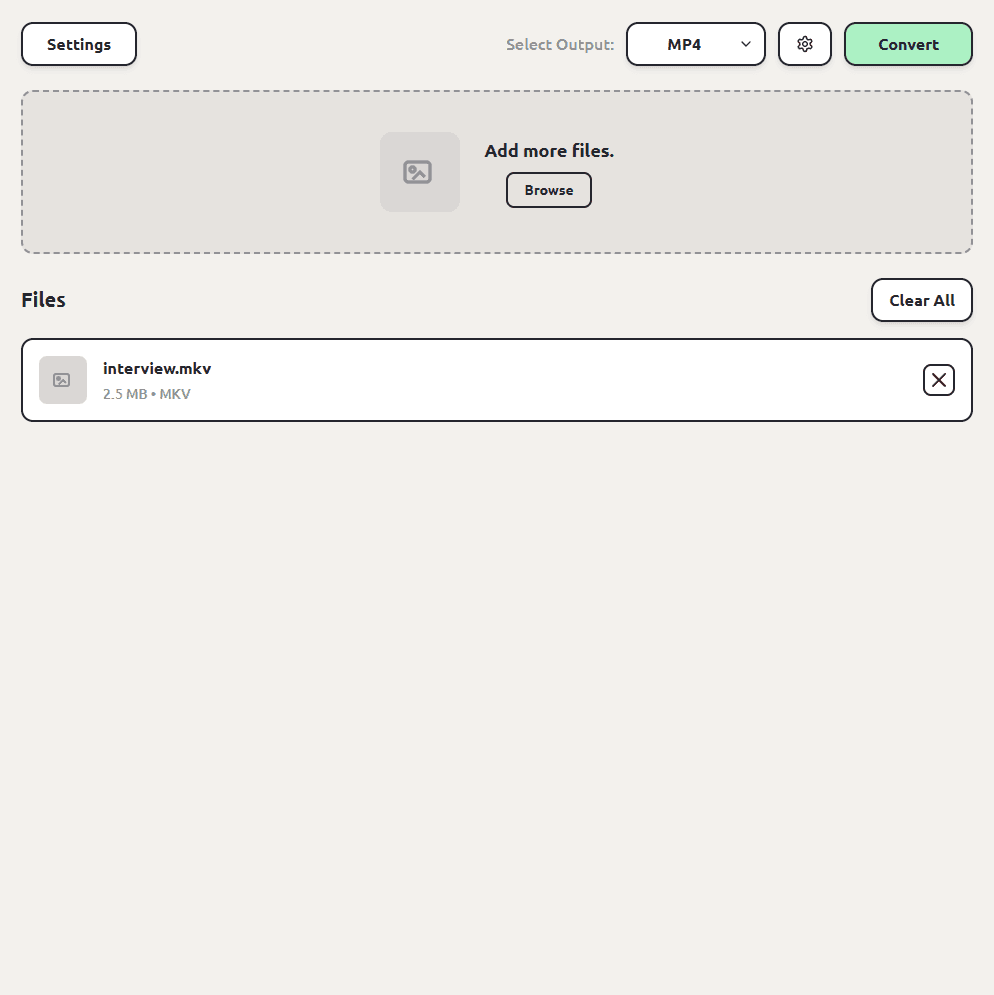
Choose MP4 as the output format
Pick MP4 from the format list. ConvertSave shows the formats that make sense for the files you dropped, so MP4 is right there.
- 3
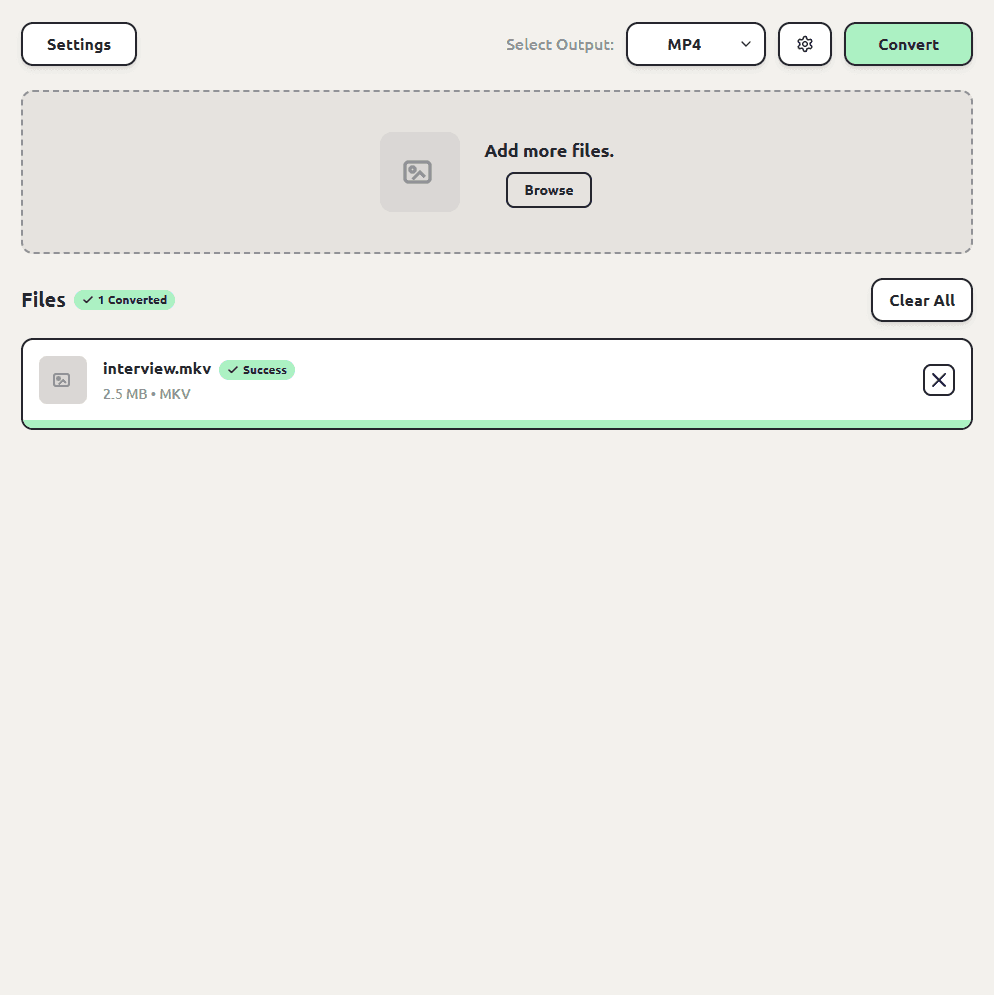
Click Convert
Hit the Convert button. Each MP4 file is saved next to the original, so you don't have to hunt through folders to find your converted files. The originals are left untouched.
How to extract audio: MKV to MP3
If the MKV is a recorded meeting or interview and you only want the sound, pick MP3 instead of MP4 and you get an audio file straight from the video. WAV, M4A, FLAC, and the other audio formats work too; our video to MP3 guide goes deeper on that.
MKV to WAV, M4A, and other audio formats
MP3 isn't the only audio escape hatch. Pick WAV for uncompressed audio you can edit right away, or M4A, FLAC, OGG, and AAC for the other common cases; the steps never change.
How to batch convert MKV to MP4
Drag in every MKV at once, pick MP4 once, and convert. Each MP4 is saved next to its MKV. We've tested batches of up to a thousand files, so a season of recordings is fine to queue in one go.
Going the other way: MP4 to MKV
Archiving workflows sometimes prefer MKV. Same steps with MKV as the output. ConvertSave also outputs MOV, AVI, and WEBM from MKV files if a specific tool demands one of those.
MKV vs MP4: what's the difference?
Both are containers, and often the video stream inside is identical. MKV is the flexible archivist that can carry many audio tracks and extras; MP4 is the universal traveler. The conversion carries your video and audio into the container everything can open.
| MKV | MP4 | |
|---|---|---|
| Plays on | Computers with the right player (VLC handles it) | Effectively everything |
| Comes from | OBS, screen recorders, video archives | Phones, cameras, most software |
| Strength | Holds many tracks and extras | Universal compatibility |
| Best for | Recording and archiving | Playing and sharing |
Is MKV to MP4 conversion safe?
The risk with converting MKV videos isn't the conversion itself, it's where the conversion happens. Free converter websites work by uploading your file to someone else's server. You usually can't tell who runs the server, where it is, or how long your file sticks around after the conversion finishes. For personal videos and photos that's a real privacy trade, and it's the reason so many of those sites are covered in aggressive ads.
ConvertSave does the conversion on your own computer. Nothing is uploaded anywhere. You can turn off Wi-Fi entirely and it still works, which is also the easy way to verify the claim. Your original file is never modified, and the converted copy is written right next to it.
Frequently asked questions
Does converting MKV to MP4 lose quality?
At ConvertSave's defaults the result looks the same in normal viewing. The advanced options panel gives you direct control over quality, resolution, and frame rate if you want to tune it.
Why won't my MKV play on my TV or phone?
TV and phone players support a narrow set of containers, and MKV usually isn't in it. Desktop players like VLC handle MKV fine, but converting to MP4 makes the file work everywhere without special players.
My MKV has multiple audio tracks. What happens?
The conversion carries over the primary video and audio track, which is what playback devices expect. If you need a specific alternate track, select it as the default in your recording software before converting.
Do my videos get uploaded anywhere?
No, and for MKV files this matters twice: recordings are often private, and they're huge. Local conversion means no upload, no queue, no waiting on your internet connection.
Is ConvertSave free?
There's a 7-day free trial with all features unlocked. After that it's $9/month, $60/year, or $129 once for a lifetime license that covers 3 personal devices on Mac and Windows.